Invoices and subsidies
Create an invoice. Click + Create Invoice, select the parent, enter the amount and due date, and add line items.
Apply a subsidy. Edit the invoice and click Apply Subsidy. Enter the subsidy amount and the parent portion is calculated for you.
Resend an invoice. Find the invoice in Invoice History and click Resend in the row actions, or open Preview and click Email to parent. The parent receives the current invoice PDF and payment link. Use it after editing an invoice or when a parent says they did not get it.
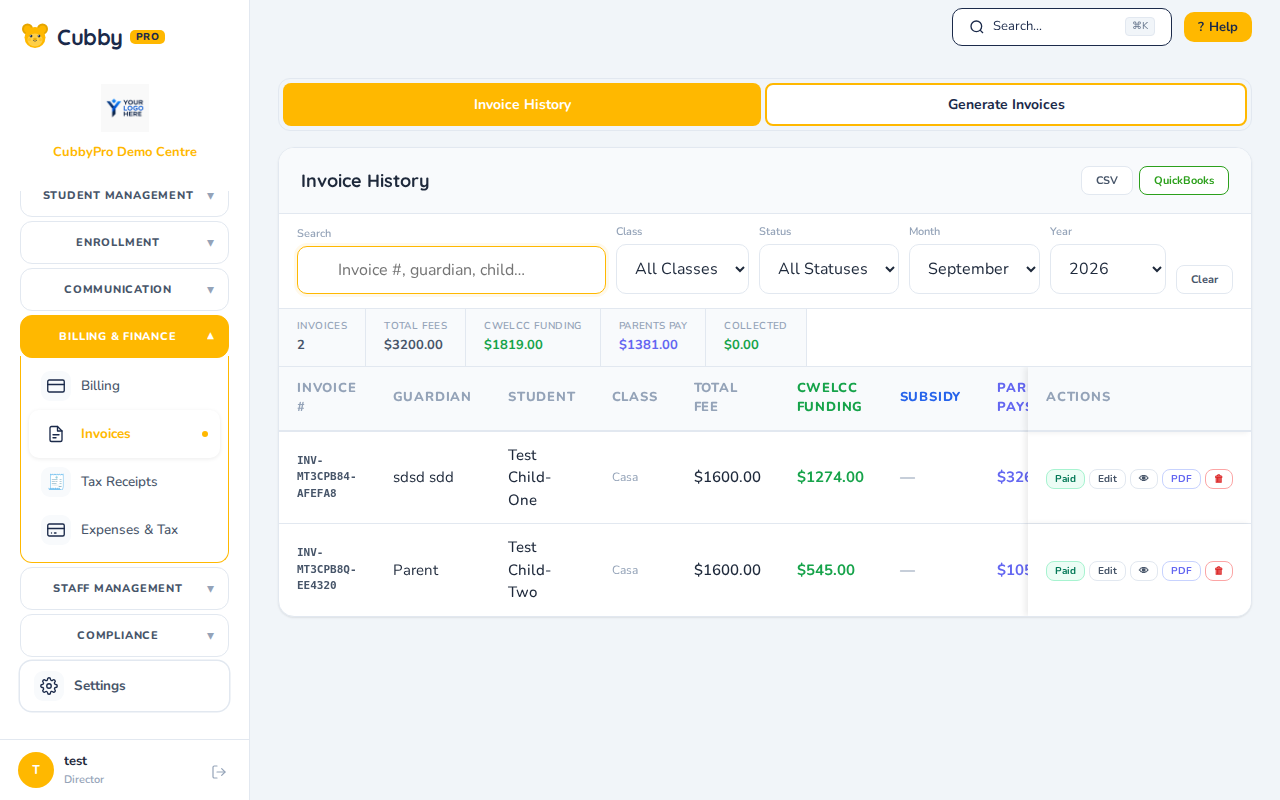
Search the invoice list by invoice number, guardian, or student. Filter by class, status, month, and year.
Billing under the same menu holds fee templates and each student's services and plans. Credits on a student's account apply automatically to their next generated invoice.