Student check-in and check-out
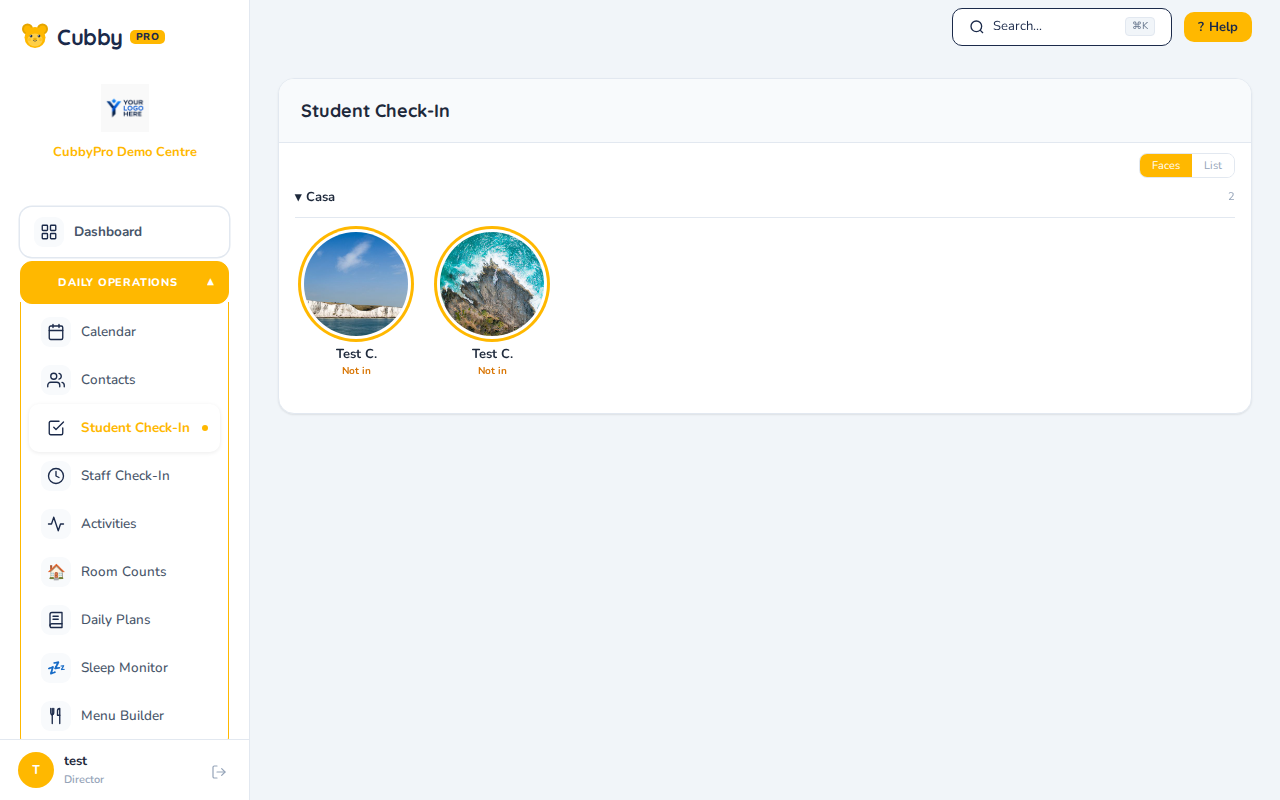
Where. Sidebar › Daily Operations › Student Check-In
Check in. Find the student and click Check In.
Check out. Find the checked-in student, click Out, select the pickup person from the authorized list, and confirm.
Mark absent. Click Absent and enter the reason. Absences feed the safe-arrival checks and billing.
The dashboard's Student Check-In card does the same thing without leaving the dashboard. Switch between Faces and List views with the toggle.
Note. Checking a student in again on the same day does not create a second record. The existing attendance record is kept.